Why This Project Exists
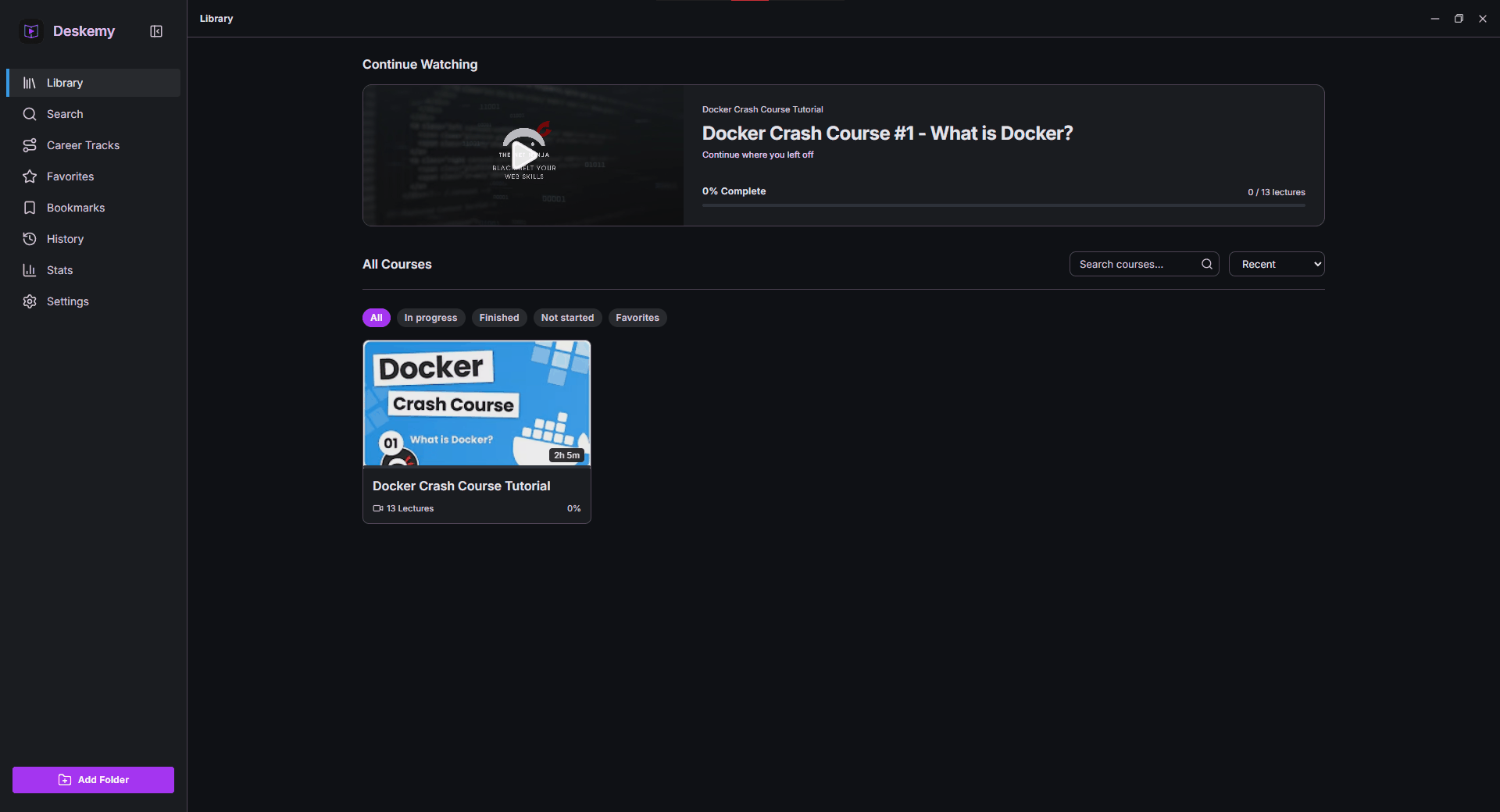
I had a folder of downloaded video courses and no good way to actually work through them. A generic media player forgets where you were, knows nothing about sections or lectures, and cannot tell you whether you have finished a course. The web players these courses come from need an account and a connection. What I wanted was something in between: a player that understands course structure, remembers everything, and works on a plane.
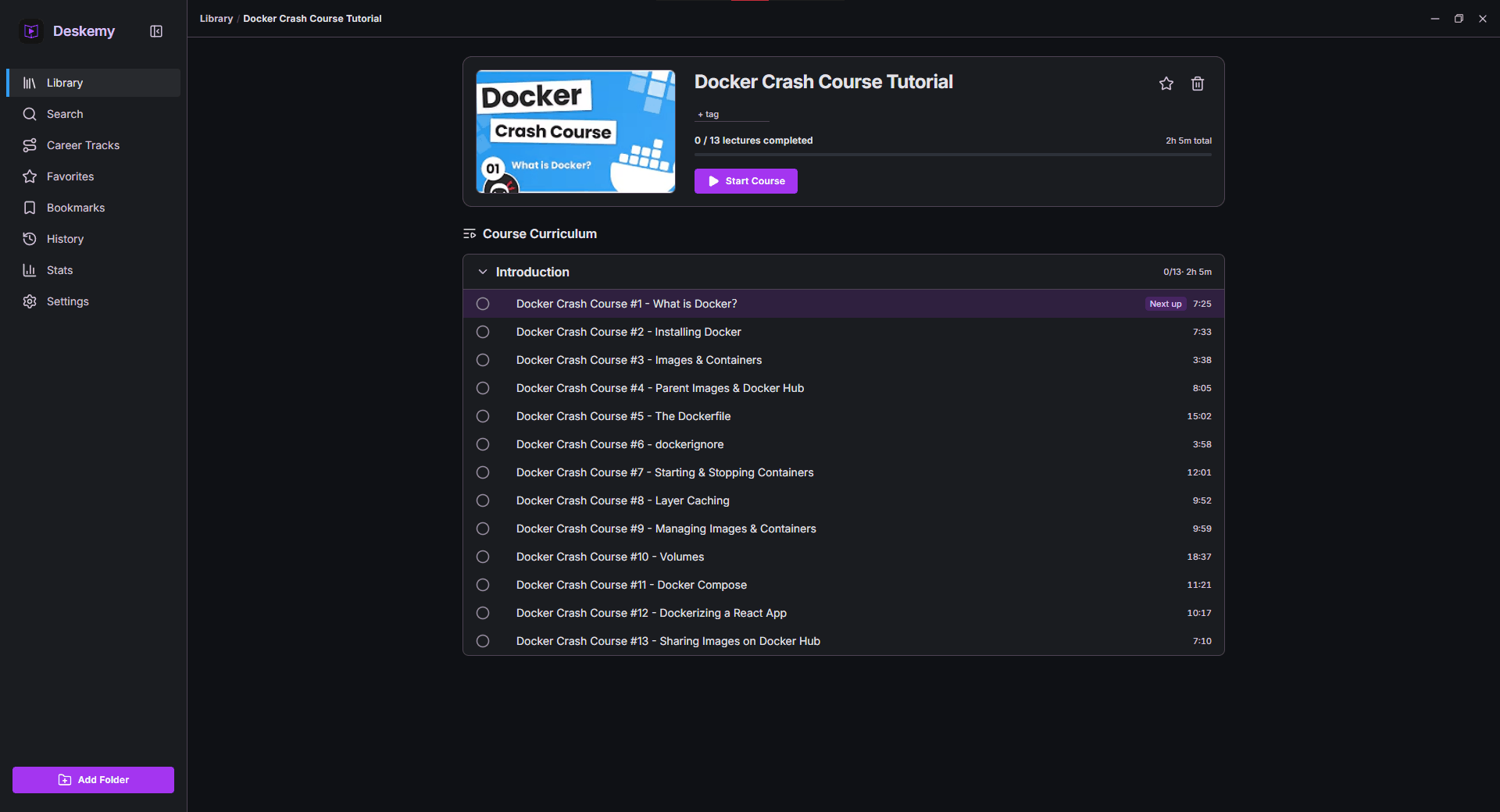
So Deskemy is a desktop app that treats a folder of videos as a first-class course. It reads the folder structure into sections and ordered lectures, cleans the numeric prefixes out of the titles, attaches subtitles and resource files to the lecture they belong to, and then gets out of the way. Your files are referenced where they sit — never copied, moved, or uploaded — and everything the app records lives in one local SQLite database.
My Role
Solo project, end to end: the Rust core, the Svelte front end, the playback integration, the SQLite schema and search, the Windows packaging and installer, the auto-updater feed, and the release process. The interesting engineering was almost all at the boundaries — between a web UI and a native video surface, and between a media library and the filesystem underneath it.
Architecture
Deskemy is a Tauri v2 app: a SvelteKit SPA in a WebView2 window, talking over IPC to a Rust core that owns the database, the importer, and the player. The one thing the web layer never touches is the video itself. That is handled natively, and composited underneath the UI.
flowchart TB
  subgraph win[Deskemy window - Tauri v2]
    ui[SvelteKit UI - transparent WebView2]
    subgraph core[Rust core]
      cmd[Commands + events]
      imp[Two-phase importer: scan, probe, persist]
      ply[Player control via FFI]
    end
    dcomp[DirectComposition video surface]
  end

  mpv[libmpv-2.dll bundled]
  db[(SQLite + FTS5 via rusqlite)]
  thumb[(Content-addressed thumbnail cache)]
  files[/Your course folders, referenced in place/]

  ui -->|IPC| cmd
  cmd -->|events| ui
  cmd --> imp
  cmd --> ply
  cmd --> db
  cmd --> thumb
  imp -->|probe| mpv
  imp --> files
  imp --> db
  ply --> mpv
  ply --> db
  mpv -->|renders| dcomp
  dcomp -. shows through .-> ui
Engineering Highlights
Problem: downloaded course videos are whatever the
uploader exported — arbitrary containers, codecs, and subtitle formats. A WebView's
<video> element supports a narrow slice of that, so a browser-based
player would either refuse to play files or force users to transcode their library.
Implementation: playback goes through
libmpv, mpv's media library, loaded at runtime through FFI with
libloading rather than linked at build time. That means codec coverage is
mpv's, not the WebView's. libmpv-2.dll ships inside both the installer and
the portable zip so there is nothing extra to install, and the loader falls back to a
libmpv-2.dll on PATH or at DESKEMY_LIBMPV for
anyone who would rather supply their own build.
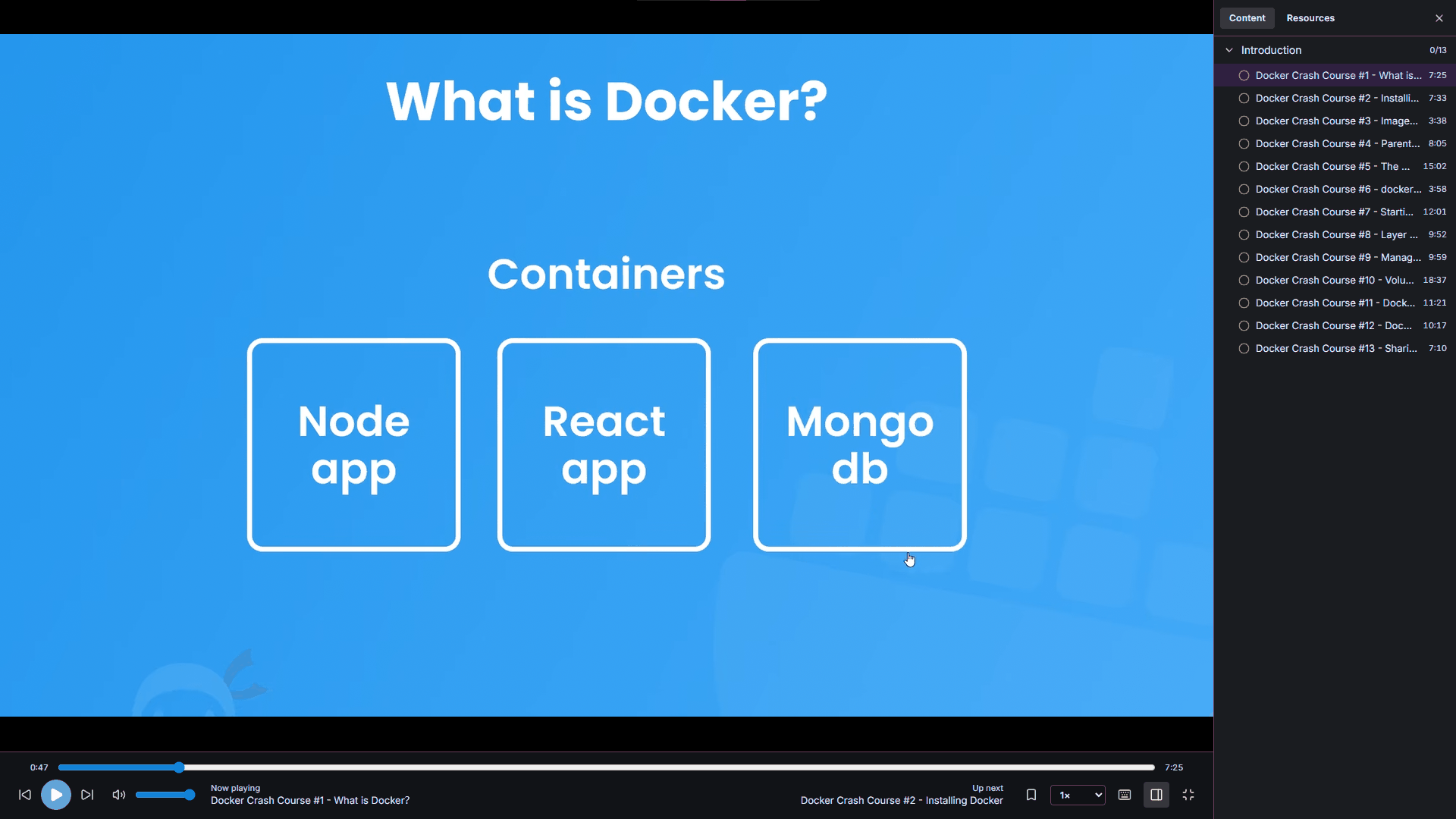
Problem: once video is rendered by a native library instead of the WebView, the two have to share a window. The naive approach — a native child window sitting on top — puts the video above the entire web layer, so no HTML control can ever draw over it. Overlays, the seek bar, and the contents panel would all be hidden behind the picture.
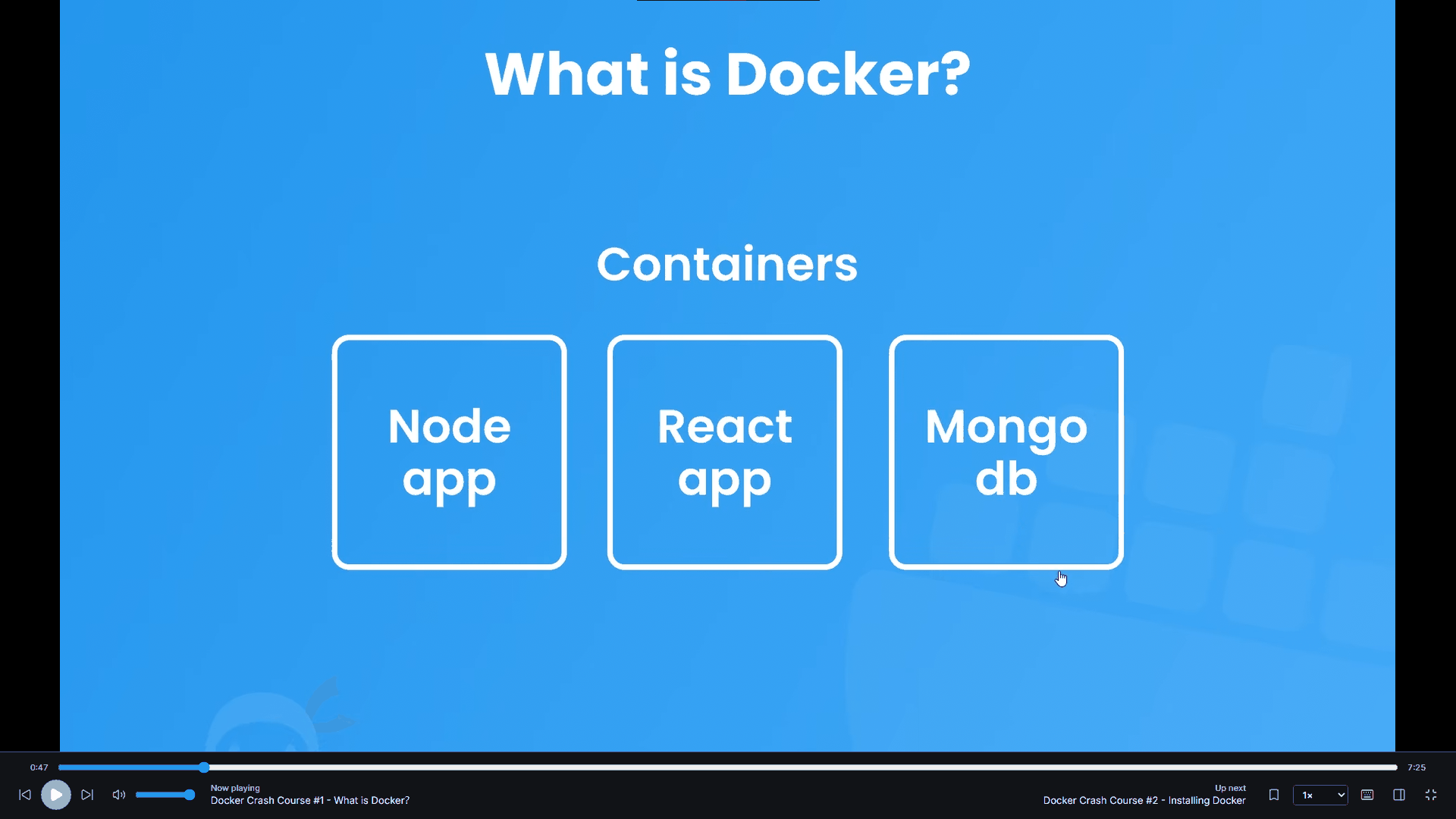
Implementation: mpv renders into a DirectComposition surface placed behind a transparent WebView2. The video shows through the parts of the UI that are see-through, while the player chrome, panels, and overlays stay real DOM elements layered on top. The UI keeps the flexibility of HTML and CSS, and the video path stays fully native.
Problem: importing a course means probing every video for duration and track metadata. Probing is slow and I/O-bound. Doing it while holding the database connection would serialize the whole import behind media inspection and leave the interface unresponsive on a large folder.
Implementation: the importer runs in two phases — probe, then persist. Media probing happens off the database connection entirely, and only the resulting metadata is written in the persist phase. Before anything is committed, the user gets a preview of exactly what will be imported: sections, lectures, resources, subtitles, and total runtime, with live progress during the scan.
Problem: if a library row is keyed by file path, then reorganizing your folders throws away your history. Rename a directory and every lecture underneath it looks brand new — progress gone, bookmarks orphaned. For an app whose whole value is remembering things, that is the worst possible failure.
Implementation: lectures are matched by content rather than path, so a moved or renamed file keeps its watch progress and bookmarks. The thumbnail cache is content-addressed on the same principle. An optional folder auto-rescan picks up changes on its own, and a storage panel makes the cache's disk use visible and reclaimable rather than mysterious.
Problem: title search only finds a lecture if you remember roughly what it was called. Often you remember a phrase the instructor said and have no idea which of two hundred lectures it was in.
Implementation: SQLite FTS5 —
bundled through rusqlite, so there is no external database — indexes course,
section, and lecture titles for full-text search. On top of that, optional
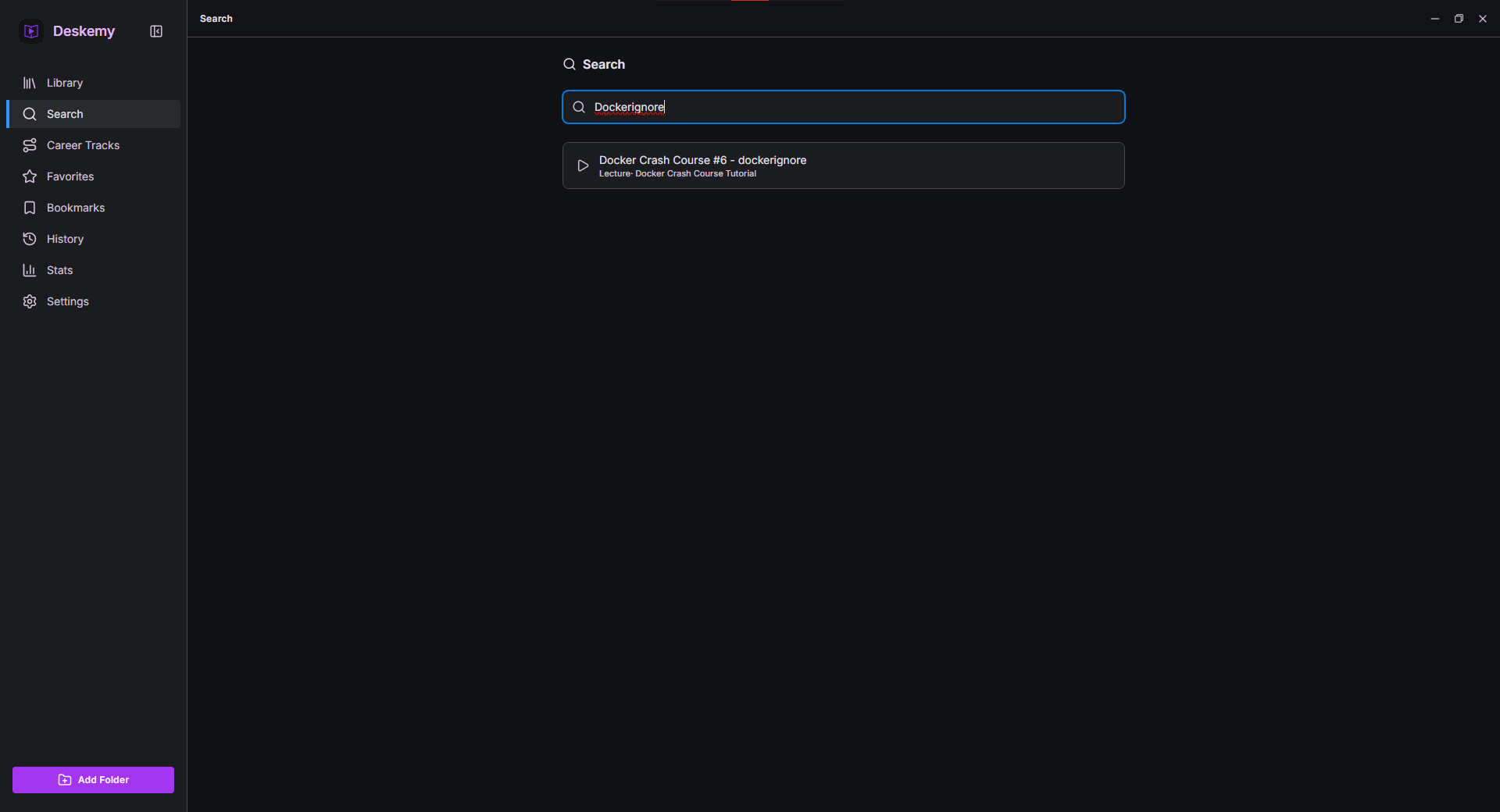
subtitle search indexes the spoken text from your subtitle files and
jumps straight to the matching timestamp. You search for a sentence and land on the second
it was said.
Problem: "portable" is a promise about more than
the executable. If an app claims to run from a USB stick but quietly writes settings to
%APPDATA% and a key into the registry, it has left traces on a machine that
was never supposed to keep any.
Implementation: the installed build is a
per-user install needing no admin rights, keeping its library under
%APPDATA%\com.spooksy.deskemy and deliberately leaving that folder behind on
uninstall so a reinstall resumes where you left off. The portable build detects a
.portable marker beside the executable and redirects all state —
library, settings, thumbnails — into a data/ folder next to it. Nothing
touches %APPDATA% or the registry; deleting the folder removes the app
completely.
Study Tools
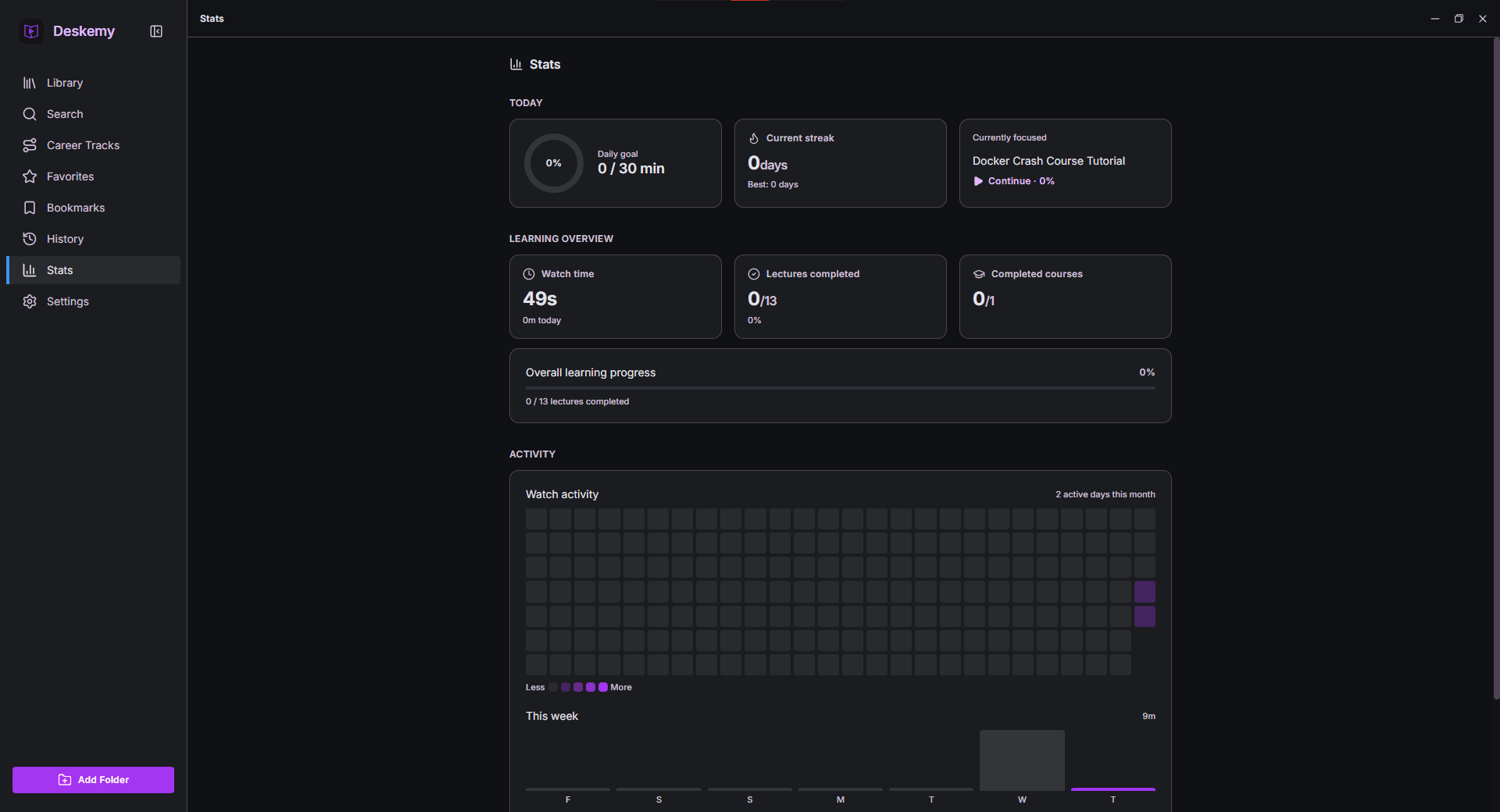
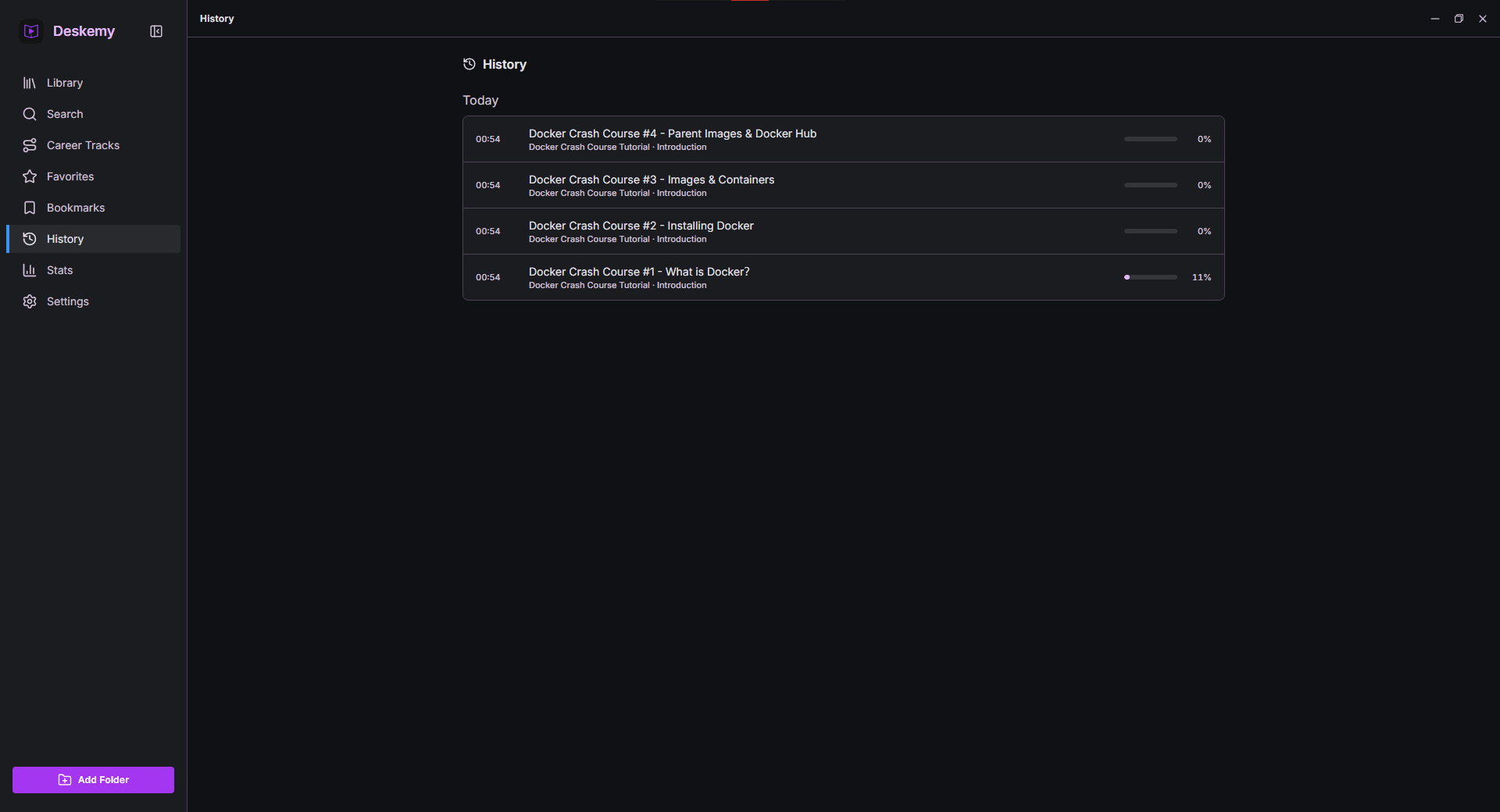
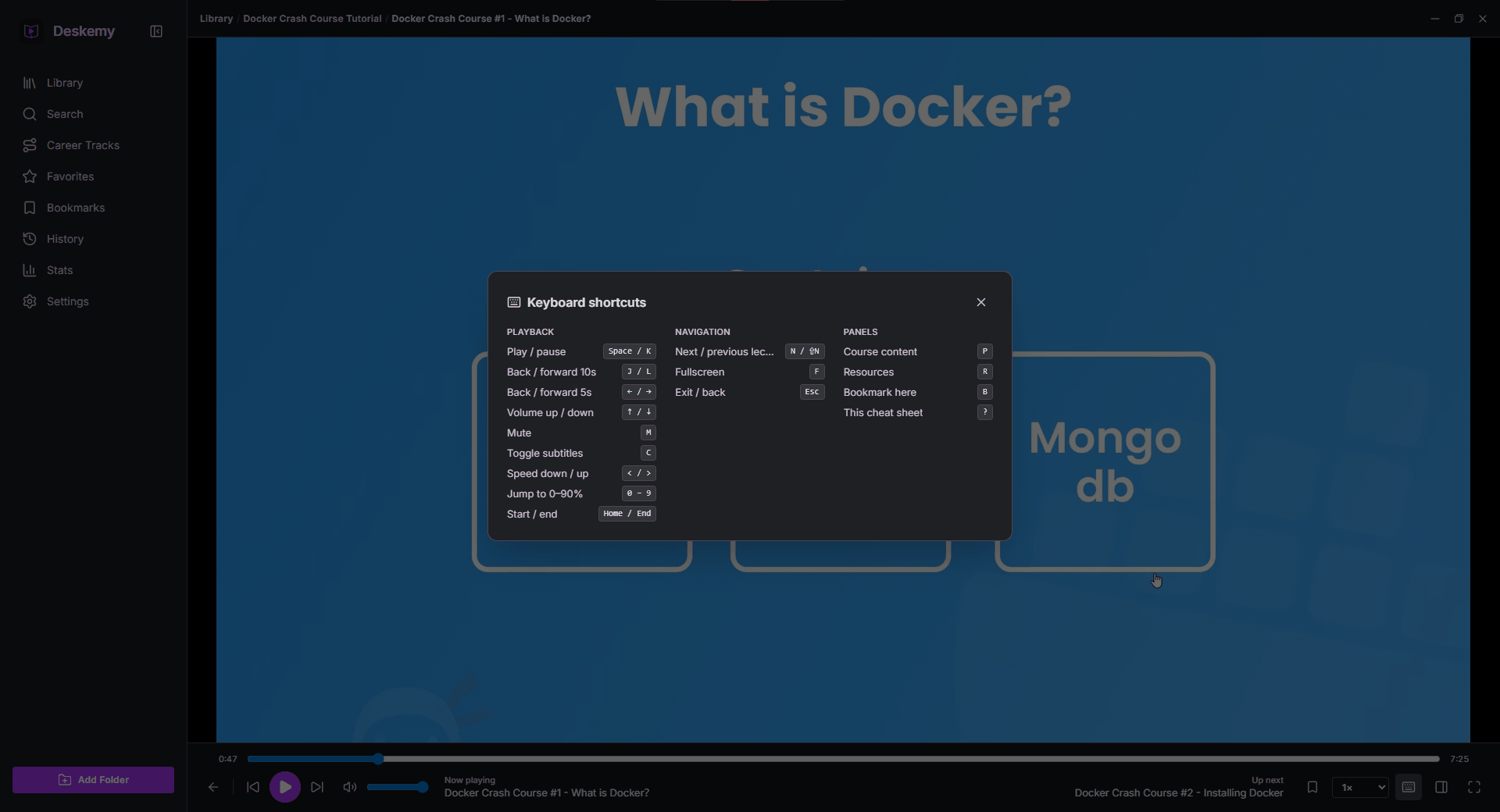
Beyond playback, the app tracks the things that make a course feel finishable. Continue Watching resumes the exact lecture. Bookmarks are timestamped, and there are tags, favorites, and a watch history. Career Tracks group courses into an ordered path with aggregate completion. Playback preferences — speed, subtitle, and audio track — are remembered per course, and there is a full set of YouTube-style keyboard shortcuts so the mouse is optional.
? away at any time.Privacy By Construction
There are no accounts, no telemetry, and no network requests for your content. The library, progress, bookmarks, and stats exist only in a local database, and the app works entirely offline. This is not a policy page — it is a consequence of the architecture. There is no server to send anything to.
Tradeoffs And Honest Limits
Deskemy is Windows-only. The DirectComposition compositing that makes the player work is a
Windows API, so macOS and Linux would each need their own equivalent path rather than a
recompile. Bundling libmpv-2.dll also makes the download noticeably larger than a
pure web-stack app would be — a deliberate trade for playing files that would otherwise not
play at all.
Subtitle search only knows what is in your subtitle files; there is no transcription step, so a course shipped without subtitles is not searchable by speech. The community translations are maintained as separate projects, which means they can trail a release — a real cost of not having built localization into the app from the start.
What This Demonstrates
This is the project where I had to be most careful at the seams between a managed runtime and the operating system: loading a C library through FFI at runtime, getting a native video surface to composite correctly with a browser engine, and deciding what identity means for a file that can move. It is also the one with actual users, which changed how I worked — six releases in the first six days, because bug reports arrived from people who were not me.